Mastering Depth and Dimension with the Super 3D Text Effect in Adobe Illustrator
In the fast-paced world of digital design, typography is no longer just about legibility; it is about impact. Whether you are crafting a bold headline for a social media campaign, designing a striking logo, or creating eye-catching merchandise, flat text often fails to capture attention. This is where the Super 3D Text Effect comes into play. It transforms standard lettering into dynamic, dimensional assets that pop off the screen. For designers working within the Adobe ecosystem, specifically Adobe Illustrator, leveraging pre-made graphic styles can significantly streamline the creative process without sacrificing quality or customization.
The Power of Ready-Made Graphic Styles
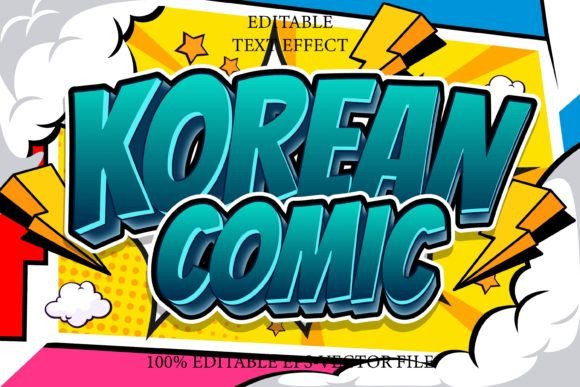
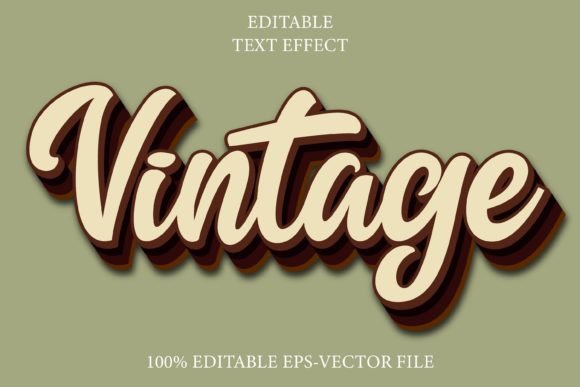
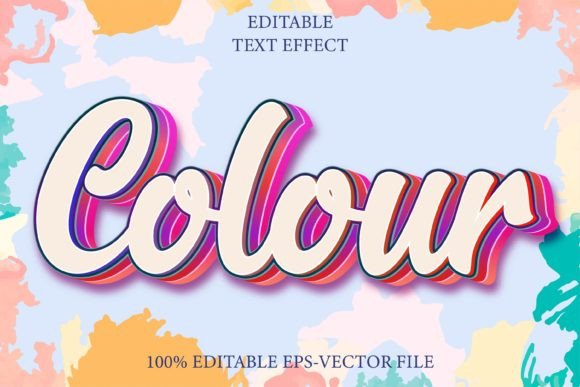
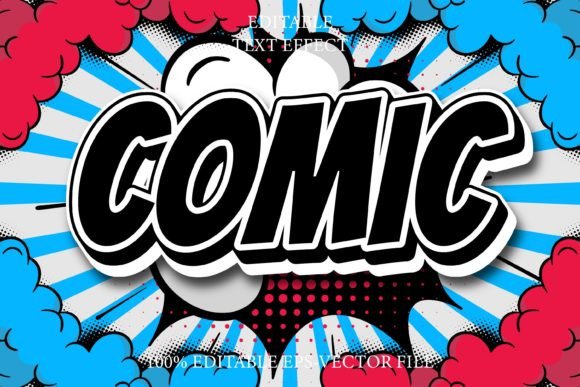
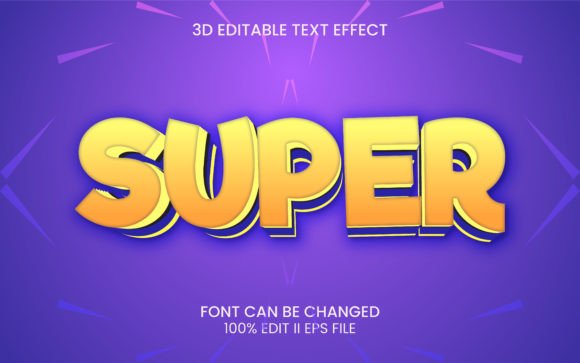
Creating realistic three-dimensional text from scratch in vector software can be a time-consuming endeavor. It typically involves complex extrusions, careful lighting adjustments, and meticulous layer management to ensure shadows and highlights align correctly. The Super 3D Text Effect package simplifies this workflow by providing a set of ready-to-use graphic styles. These styles are pre-configured within the graphic styles menu, allowing designers to apply sophisticated 3D looks with a single click.
This approach does not mean sacrificing control. On the contrary, it empowers users to focus on the message rather than the mechanics of rendering. By utilizing these preset effects, you maintain the scalability and editability inherent to vector graphics. You are not stuck with a static image; you are working with live, editable text that retains its crisp edges at any size. This is particularly crucial for modern workflows where a design might need to be scaled from a business card to a billboard.
Seamless Integration and Ease of Use
One of the most significant advantages of this tool is its user-friendly nature. The primary barrier to entry for many advanced design techniques is the learning curve. However, the Super 3D Text Effect is designed to be intuitive. The process is straightforward: you simply retype your desired text, select it, and apply the effect from the graphic styles panel. There is no need to navigate through multiple menus or adjust dozens of individual parameters manually.
This ease of use makes it an excellent resource for both seasoned professionals looking to speed up their workflow and beginners who want to achieve professional-grade results without years of experience. The package includes well-organized layers, ensuring that even if you decide to dive deeper into the structure of the effect, you will find a logical and clean hierarchy. This organization is vital for troubleshooting or making minor tweaks to specific elements of the 3D structure, such as adjusting the depth of the extrusion or the angle of the light source.
Customization and Flexibility
While the presets provide a strong starting point, the true value lies in their flexibility. The package offers 100 editable text and font options, giving designers a vast array of typographic choices. Because the effects are built using standard Adobe Illustrator features, they are fully compatible with any font you choose to install. Whether you prefer bold, blocky sans-serifs for a modern tech look or elegant serifs for a luxury brand, the 3D effect adapts seamlessly.
Furthermore, the use of RGB Color ensures that the designs are optimized for digital displays. This is essential for web design, app interfaces, and social media content, where color vibrancy and screen accuracy are paramount. The inclusion of free fonts in the package also removes licensing hurdles, allowing you to start creating immediately without worrying about additional costs or legal restrictions. A "Read Me" text file is included to guide you through any specific installation steps or usage tips, ensuring a smooth setup process.
Practical Applications in Modern Design
The versatility of the Super 3D Text Effect means it fits into a wide range of projects and industries. Consider the following scenarios where this tool can elevate your design output:
- Social Media Graphics: In feeds crowded with content, 3D text stands out. Use these effects to create engaging Instagram stories, Facebook headers, or YouTube thumbnails that grab attention instantly.
- Brand Identity and Logos: A 3D logo can convey solidity, reliability, and innovation. The vector nature of the files ensures that your logo remains sharp across all branding materials, from website favicons to printed signage.
- Merchandise Design: T-shirts, mugs, and posters benefit greatly from dimensional typography. The clean lines and defined shadows provided by the graphic styles translate well to print-on-demand services.
- Presentation Decks: Elevate corporate or educational presentations by using 3D headings for key slides. This adds a layer of professionalism and visual interest that keeps the audience engaged.
Each of these applications benefits from the speed and consistency offered by the graphic styles. Instead of recreating the same 3D look for every slide or post, you can apply the style uniformly, ensuring brand consistency across all touchpoints.
Technical Compatibility and File Structure
Understanding the technical specifications is crucial before integrating any new asset into your workflow. The Super 3D Text Effect is suitable for Adobe Photoshop CC or above, although it is primarily designed for Adobe Illustrator. This cross-application compatibility is a notable feature. While Illustrator is the native environment for vector editing, the ability to import these styles or resulting vectors into Photoshop allows for hybrid workflows. You can create the base 3D text in Illustrator for precision and then bring it into Photoshop for additional texture, background integration, or raster-based effects.
The download package is comprehensive yet lightweight, containing three essential files:
- 1 Vector File: This is the core asset, containing the graphic styles and sample text. It is fully editable and scalable.
- 1 JPEG Preview: A high-quality image showcasing the various styles included in the pack. This serves as a quick reference guide to help you choose the right effect for your project.
- 1 Help File: Documentation that provides instructions on installation and usage, ensuring you can get started without confusion.
The reliance on vector formats means that your designs remain resolution-independent. Unlike raster-based 3D renders that can pixelate when enlarged, these vector-based effects maintain their integrity regardless of scale. This is a critical consideration for designers who need to deliver assets in multiple formats and sizes.
Why Choose Pre-Made Effects Over Manual Creation?
Some purists might argue that creating 3D effects manually is the only way to achieve true originality. However, in a commercial context, efficiency is often just as valuable as uniqueness. Using the Super 3D Text Effect does not mean your work will look generic. Because the text content, font choice, color palette, and composition are entirely up to you, each final design remains unique. The graphic style is merely a tool—a sophisticated brush, if you will—that helps you execute your vision more quickly.
Moreover, manual 3D creation in vector software can be prone to errors. Misaligned anchors, inconsistent lighting, and messy layer structures are common pitfalls. Pre-made styles eliminate these risks by providing a tested, optimized structure. The well-organized layers mentioned earlier are not just a convenience; they are a safeguard against technical issues that can arise during editing or file export.
Final Thoughts on Enhancing Your Typography
Incorporating depth into your typography is a powerful way to communicate hierarchy and emotion. The Super 3D Text Effect offers a practical, efficient, and high-quality solution for designers looking to add dimension to their work. By leveraging these ready-made graphic styles, you can reduce production time, maintain vector scalability, and achieve professional results with minimal effort. Whether you are a freelancer managing tight deadlines or part of a larger agency team, this tool integrates seamlessly into modern design workflows, allowing you to focus on creativity rather than construction.
Remember, the best design tools are those that disappear into the background, allowing your ideas to shine. With easy editing, free font usage, and robust compatibility with Adobe Creative Cloud applications, this package serves as a reliable companion for any typographic project. Embrace the depth, experiment with the styles, and let your text stand out in a flat world.