Mastering Visual Impact: A Guide to Editable Text Effects in Adobe Illustrator
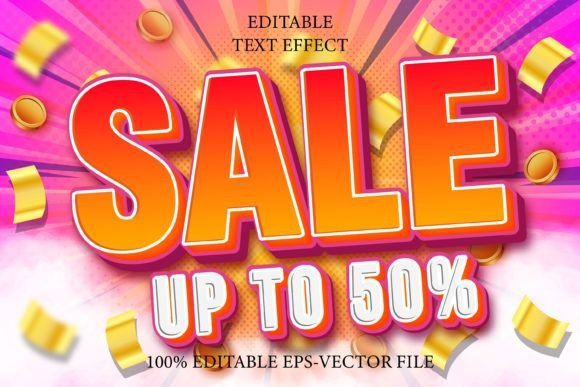
In the fast-paced world of digital design, capturing attention is half the battle. Whether you are creating a social media post, designing a product label, or crafting a promotional banner, the way your text looks can determine whether a viewer stops scrolling or keeps moving. This is where specialized text effects come into play. Specifically, tools like the Sale Up to 50 Editable Text Effect and its Emboss Style variant have become essential assets for designers who need professional-grade typography without spending hours on manual construction.
However, for those new to graphic design software, there is often confusion about what these tools actually are. A common misconception is that these are simply new fonts to install. In reality, they are sophisticated font effects designed specifically for Adobe Illustrator. Understanding this distinction is crucial for anyone looking to streamline their workflow and elevate their visual communication.
Understanding the Difference: Fonts vs. Effects
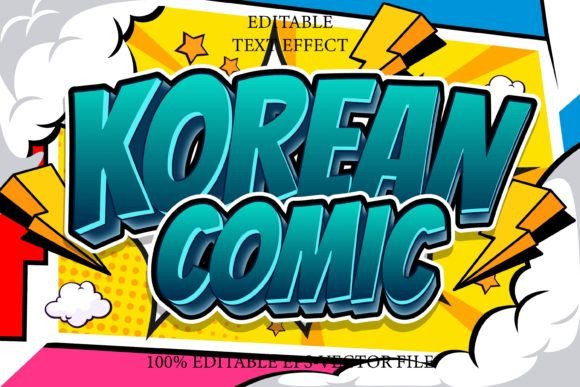
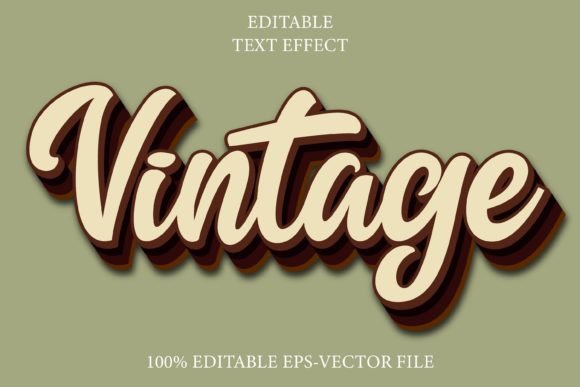
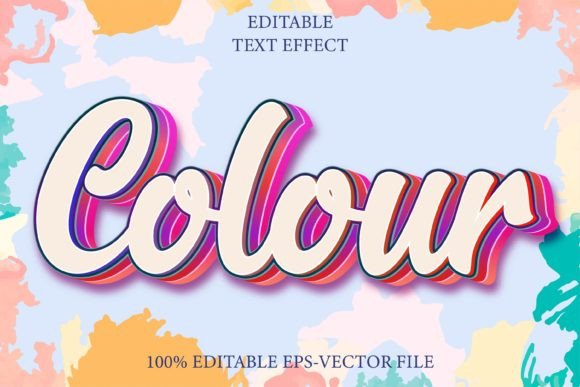
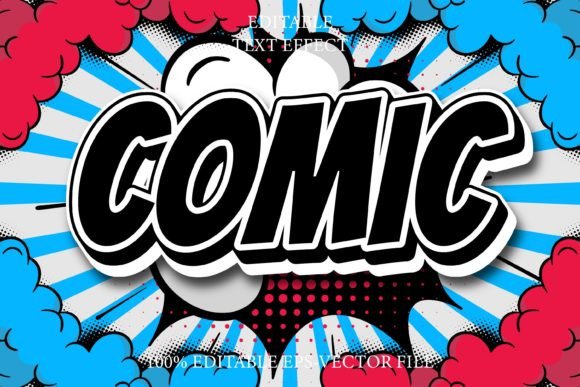
To truly leverage these tools, one must first understand the technical foundation. A standard font is a file containing character shapes—letters, numbers, and symbols—that you type out in any word processor or design program. An editable text effect, such as the ones mentioned above, is fundamentally different. It is not a font file that you install on your operating system. Instead, it is a pre-configured set of vector styles, gradients, shadows, and textures saved within an Adobe Illustrator EPS file format.
This distinction matters because it dictates how you use the tool. Since it is not a font, it cannot be opened with standard word processing software like Microsoft Word or basic photo editors. It requires vector-based software, specifically Adobe Illustrator, to function correctly. This limitation is actually a strength; it ensures that the complex visual layers remain intact and fully scalable, preserving the high quality of the design regardless of how much you resize it.
Why Vector-Based Effects Matter
The core advantage of using an Illustrator-based effect is scalability. Unlike raster images (like JPEGs or PNGs) which become pixelated when enlarged, vector graphics are based on mathematical paths. This means the Sale Up To 50 Editable Text Effect can be scaled from the size of a business card to a billboard without losing any sharpness or detail. For businesses and creators, this versatility is invaluable. You create the effect once, and it can be repurposed across multiple platforms and mediums seamlessly.
The Power of Fully Editable Typography
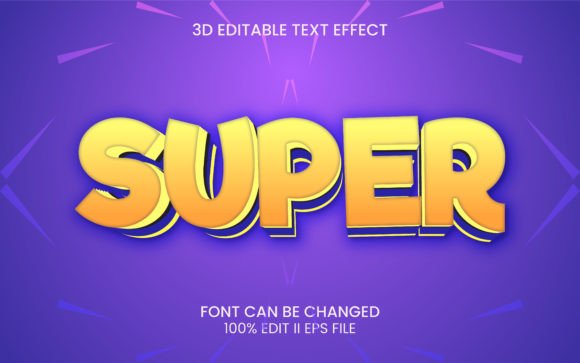
The term "fully editable" is the key selling point of these resources. In traditional graphic design, achieving a complex look like an embossed 3D text effect might require manually adjusting dozens of layers, applying specific drop shadows, tweaking gradient meshes, and aligning highlights. This process can take hours, even for experienced designers. With a pre-made editable text effect, all that heavy lifting has already been done.
When you open the EPS file in Adobe Illustrator, you will find a template where the text is linked to a specific style. The beauty of this system is its flexibility. You can change the text content, swap out the font family, and adjust colors, yet the underlying effect—whether it’s a shiny metallic look or a subtle emboss—remains applied automatically. This works with every font or shape, allowing for endless customization. If you prefer a bold, sans-serif font for a modern look, the effect adapts. If you switch to a elegant serif font for a luxury feel, the effect adjusts accordingly.
Practical Applications in Modern Design
So, where do these effects fit into modern life and business? The applications are vast, spanning various industries and creative needs. Here are a few practical scenarios where these tools prove their worth:
- Retail and E-commerce: The "Sale Up to 50" example is not arbitrary. Retailers constantly need eye-catching graphics for seasonal sales, Black Friday promotions, and clearance events. Using an emboss-style effect adds a tactile, premium feel to digital ads, making the offer seem more substantial and urgent.
- Branding and Logos: Startups and small businesses often need logo variations that stand out. An editable text effect allows a brand to test different typographic styles quickly without hiring a designer for every iteration.
- Social Media Content: In the age of Instagram and TikTok, static images still play a huge role. Creators need to produce high-volume content that looks polished. These effects reduce production time, allowing creators to focus on messaging rather than technical execution.
- Packaging Design: For physical products, the emboss style mimics the look of raised printing. Designers can use these digital effects to create mockups that show clients exactly how a package will look on the shelf, complete with realistic lighting and depth.
How to Use These Effects Efficiently
For beginners, the prospect of opening an Adobe Illustrator file can be daunting. However, these resources are designed to be very easy to edit. Here is a general workflow to help you get started:
- Open the File: Launch Adobe Illustrator and open the downloaded EPS file. Ensure you are using a compatible version of the software.
- Locate the Text Layer: Most templates are organized with clear layer names. Look for the layer labeled "Text" or "Edit Here."
- Type Your Content: Select the text tool and replace the placeholder text with your own. For instance, change "Sale Up to 50" to "Summer Sale" or "New Collection."
- Change the Font: If the default font doesn’t match your brand, highlight the text and choose a new font from your library. Because the effect is built on appearance attributes, it should update automatically.
- Adjust Colors: Use the color picker to tweak the hues. You might want a gold emboss for a luxury item or a bright red for a clearance sale. The vector nature of the file makes color changes instant and non-destructive.
- Export: Once satisfied, save your work. You can export it as a PNG for web use or keep it as a PDF/EPS for print purposes.
Clarifying Common Misunderstandings
It is important to address a frequent point of confusion: compatibility. As stated earlier, this is not a font. Users often purchase these effects expecting to use them in Canva, Photoshop, or Microsoft PowerPoint. While some advanced users can import vector elements into other programs, the fully editable nature of these specific Illustrator effects is best utilized within Illustrator itself. Attempting to use them in other software may result in lost effects, flattened images, or inability to edit the text.
Furthermore, some users assume that "editable" means they can change the structural logic of the effect easily. While you can change colors and fonts, deconstructing the complex appearance attributes (like the specific angle of a shadow or the curvature of a gradient) requires a deeper understanding of Illustrator’s Appearance panel. For most users, however, the default settings are optimized for visual appeal, requiring minimal tweaking.
The Value of Time and Professionalism
In a professional context, time is money. Spending three hours creating a text effect for a single banner is rarely cost-effective. By utilizing pre-made, high-quality assets like the Sale Up to 50 Editable Text Effect, designers and business owners can reclaim that time. This allows for more focus on strategy, copywriting, and overall campaign coherence.
Moreover, these effects ensure a level of professionalism that is hard to achieve with basic tools. The Emboss Style, for example, relies on subtle interplay between light and shadow. Getting this right manually requires a keen eye for detail. Pre-made effects guarantee that the lighting logic is consistent, resulting in a polished, cohesive look that builds trust with your audience.
Conclusion
The Sale Up to 50 Editable Text Effect and similar vector-based typography tools represent a bridge between amateur design and professional output. They are not just shortcuts; they are educational tools that demonstrate how proper lighting, shading, and typography work together. By understanding that these are Illustrator-specific effects rather than simple fonts, users can unlock their full potential. Whether you are a seasoned designer looking to speed up your workflow or a beginner aiming to create stunning visuals for your business, mastering these editable text effects is a step toward more impactful and efficient visual communication. Embrace the flexibility, respect the software requirements, and let your creativity scale without limits.