Mastering the Comic Editable Text Effect Comic Style in Adobe Illustrator
In the dynamic world of graphic design, typography often serves as the visual anchor for a project. For designers working on posters, social media graphics, or branding materials that require a bold, energetic tone, standard fonts frequently fall short. This is where specialized tools like the Comic Editable Text Effect Comic Style come into play. Unlike traditional typefaces that merely provide letterforms, this resource offers a comprehensive stylistic treatment that transforms plain text into vibrant, eye-catching graphical elements. Understanding what this tool is, how it functions within the Adobe ecosystem, and when it is the appropriate choice compared to other design methods is essential for making informed creative decisions.
Defining the Tool: More Than Just a Font
It is crucial to clarify a common misconception immediately: the Comic Editable Text Effect Comic Style is not a font file. You cannot install it into your operating system’s font library, nor can you select it from a dropdown menu in Microsoft Word or Photoshop. Instead, it is a sophisticated vector-based effect designed specifically for Adobe Illustrator. This distinction defines its capabilities and limitations. Because it exists as an EPS file format containing complex vector shapes, gradients, and strokes, it relies entirely on Illustrator’s rendering engine to function correctly. Attempting to open these files in other software will likely result in errors or a loss of editability.
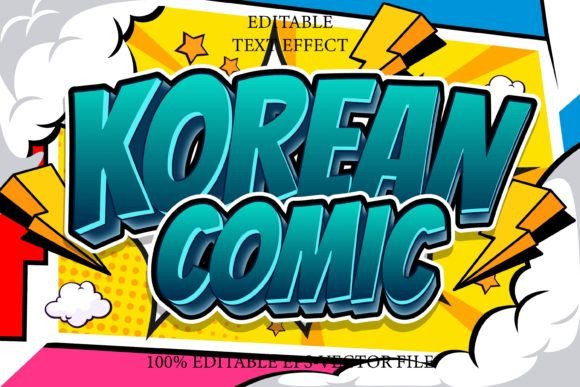
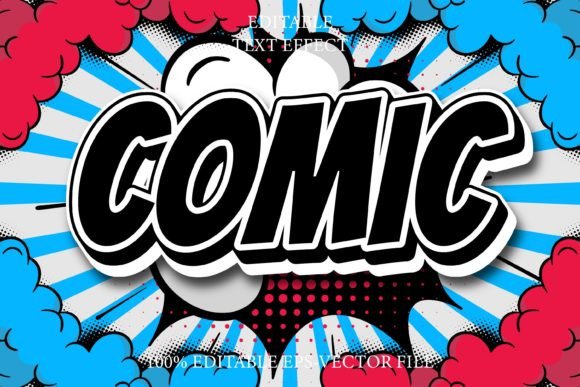
The core value proposition of this tool lies in its fully editable typography. Designers can input their own text, and the effect automatically applies a consistent comic-book aesthetic—typically characterized by thick outlines, offset shadows, and vibrant color fills. This automation saves hours of manual work that would otherwise be spent drawing strokes, adjusting anchor points, and aligning shadow layers for each individual letter. The result is a professional-grade typographic treatment that remains scalable to any size without losing resolution, a key advantage of vector graphics over raster-based effects.
Comparative Analysis: Vector Effects vs. Raster Styles
When evaluating typography options, designers often choose between vector-based effects and raster-based styles (such as those found in Photoshop). The Comic Editable Text Effect 3D Comic Style and its 2D counterpart offer distinct advantages in this comparison. Raster effects are pixel-dependent; scaling them up often leads to blurriness or pixelation. In contrast, the Illustrator-based comic effect is mathematically defined. Whether you are designing a small Instagram story or a large-format billboard, the lines remain crisp and clean.
Furthermore, the editability factor sets this tool apart from pre-rendered graphic assets. Many online marketplaces sell "comic style" text as static PNG or JPEG images. While these are easy to use, they are inflexible. If a client changes a word in the headline, the designer must start from scratch or engage in tedious photo editing to mask the old text. With the Comic Editable Text Effect Comic Style, the text remains live. You can change the wording, adjust the kerning, or swap the underlying font family instantly, and the effect updates automatically. This flexibility is invaluable for iterative design processes where copy changes are frequent.
Versatility Across Fonts and Shapes
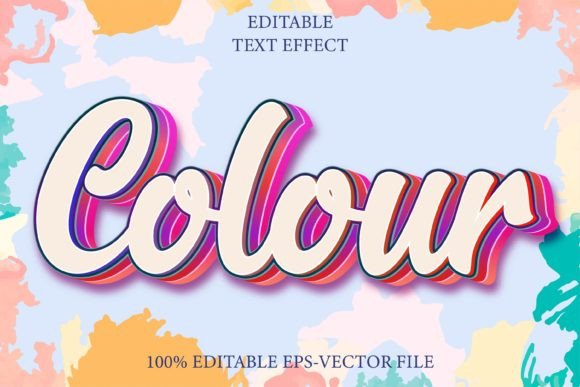
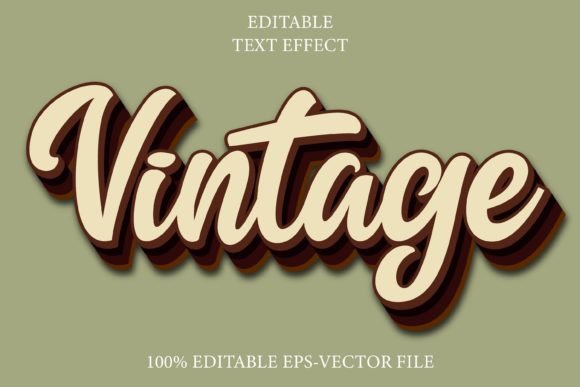
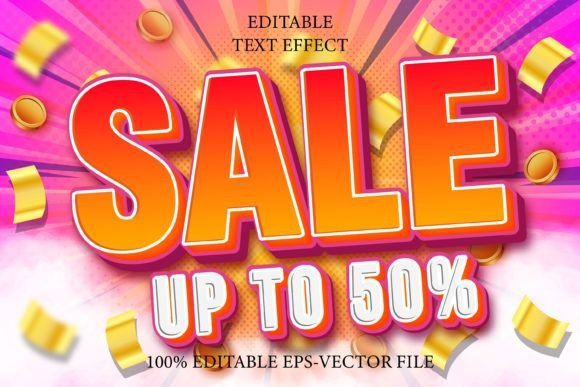
One of the most compelling features of this resource is its compatibility with virtually any font or shape. Because the effect operates on the vector paths of the text rather than the specific characteristics of a single typeface, designers are not locked into one look. You can apply the comic effect to a heavy sans-serif for a modern pop-art feel, or to a handwritten script for a more organic, playful vibe. This versatility allows the tool to serve multiple purposes and applications, from children’s book covers to energetic sale banners.
The tool also supports custom shapes. If a project requires a non-textual graphic element—such as a speech bubble or a starburst—to match the comic aesthetic, the same effect principles can often be applied. This consistency ensures that all visual elements in a composition share the same stylistic DNA, creating a cohesive and polished final product. The ability to work with 100 editable variations means that designers can mix and match styles within a single project, adding depth and visual interest without breaking the design system.
Practical Use Cases and Best-Fit Scenarios
Identifying when to use the Comic Editable Text Effect Comic Style is key to maximizing its value. This tool is particularly effective in projects that demand high energy, nostalgia, or a playful tone. Consider the following scenarios:
- Social Media Campaigns: In a crowded feed, bold, outlined text stops the scroll. The high contrast inherent in comic styles ensures readability even on small screens.
- Event Posters: For music festivals, comedy shows, or community events, the informal and fun nature of comic typography helps convey the right atmosphere.
- Educational Materials: Worksheets and presentations for younger audiences benefit from the approachable and engaging look of comic-style text.
- Retro Branding: Brands looking to evoke a mid-20th-century pop-art aesthetic can use these effects to create authentic-looking logos and packaging elements.
However, it is equally important to recognize when this style is not appropriate. Corporate annual reports, legal documents, or luxury brand identities typically require subtlety and elegance. The bold, loud nature of comic effects can clash with these tones, appearing unprofessional or distracting. In such cases, a minimalist sans-serif or a refined serif typeface would be a more suitable choice.
Limitations and Technical Considerations
While the Comic Editable Text Effect 3D Comic Style offers significant benefits, it comes with specific technical constraints. As noted, it is exclusive to Adobe Illustrator. Designers who primarily work in Affinity Designer, CorelDRAW, or free alternatives like Inkscape will not be able to utilize this resource effectively. This vendor lock-in is a tradeoff for the high level of automation and quality provided. Additionally, while the files are scalable, extremely complex effects with numerous gradient meshes can sometimes slow down older computers when many instances are used in a single document.
Another consideration is the learning curve. Although marketed as "very easy to edit," users still need a basic understanding of Adobe Illustrator’s interface. Knowing how to expand appearances, manage layers, and adjust vector paths is necessary to troubleshoot any issues that may arise. For complete beginners, there may be a slight initial hurdle, but the time saved in the long run usually outweighs the initial setup effort.
Making the Right Choice for Your Project
Choosing between the Comic Editable Text Effect Comic Style and other typography solutions ultimately depends on your workflow, software preference, and project goals. If you are an Adobe Illustrator user seeking a fast, professional, and flexible way to create bold typographic headers, this tool is an excellent investment. It bridges the gap between custom hand-lettering and generic font usage, offering a middle ground that is both efficient and visually striking.
Conversely, if you require cross-platform compatibility or prefer working in raster-based environments, you might explore Photoshop actions or web-based graphic design tools that offer similar visual styles, albeit with less scalability and editability. For those committed to the Adobe ecosystem, however, the vector-based nature of this comic effect provides a level of precision and adaptability that is hard to match. By understanding its strengths and limitations, designers can integrate this tool into their toolkit strategically, ensuring that every project benefits from the right typographic treatment.
In conclusion, the Comic Editable Text Effect Comic Style represents a specialized solution for a specific design need. It is not a universal fix for all typography challenges, but for projects that call for energy, boldness, and a touch of nostalgia, it offers an unparalleled combination of ease of use and professional quality. By leveraging its fully editable nature and scalability, designers can elevate their work efficiently, maintaining creative control while reducing production time.